

WiFi Monitor
Explore our review of WiFi Monitor for Windows. Learn how this utility helps you analyze local wireless channels to optimize your network's performance.
Enhance Your Wireless Connection with WiFi Monitor
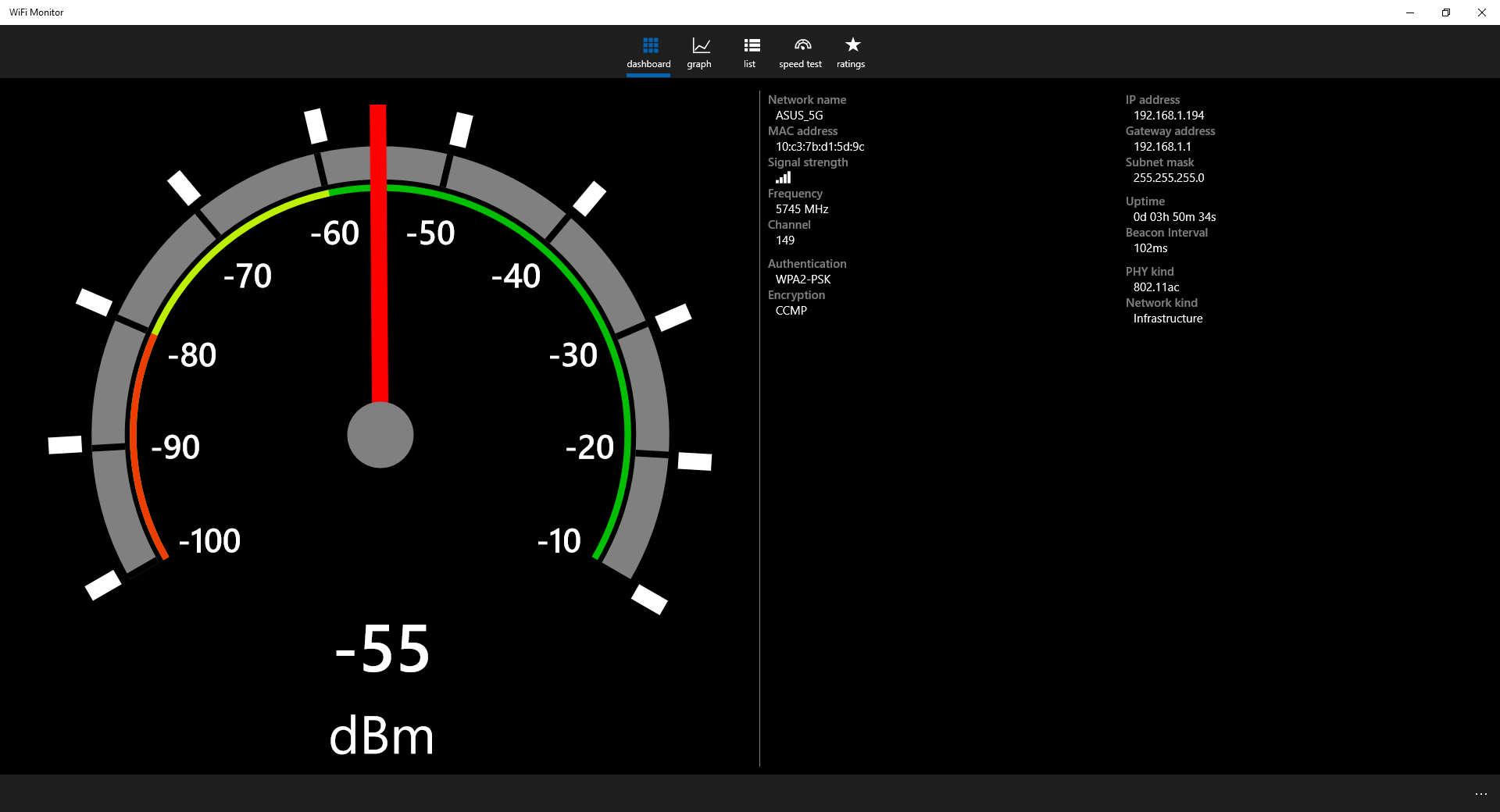
The WiFi Monitor wireless network analyzer is a practical utility designed for Windows users who want to diagnose and optimize their local wireless environment. Developed by LaikaGlove, this software provides a clear window into the surrounding airwaves, allowing you to see exactly which wireless networks are operating nearby and how they might be affecting your own connection quality.
In modern residential and commercial spaces, wireless interference is a common culprit behind sluggish internet speeds and dropped connections. By utilizing this tool, you can gather actionable intelligence about your local network landscape to make informed adjustments to your router settings.
Key Capabilities of the Software
The primary function of the application is to scan and map out the local wireless spectrum. Here is what you can achieve with its core toolkit:
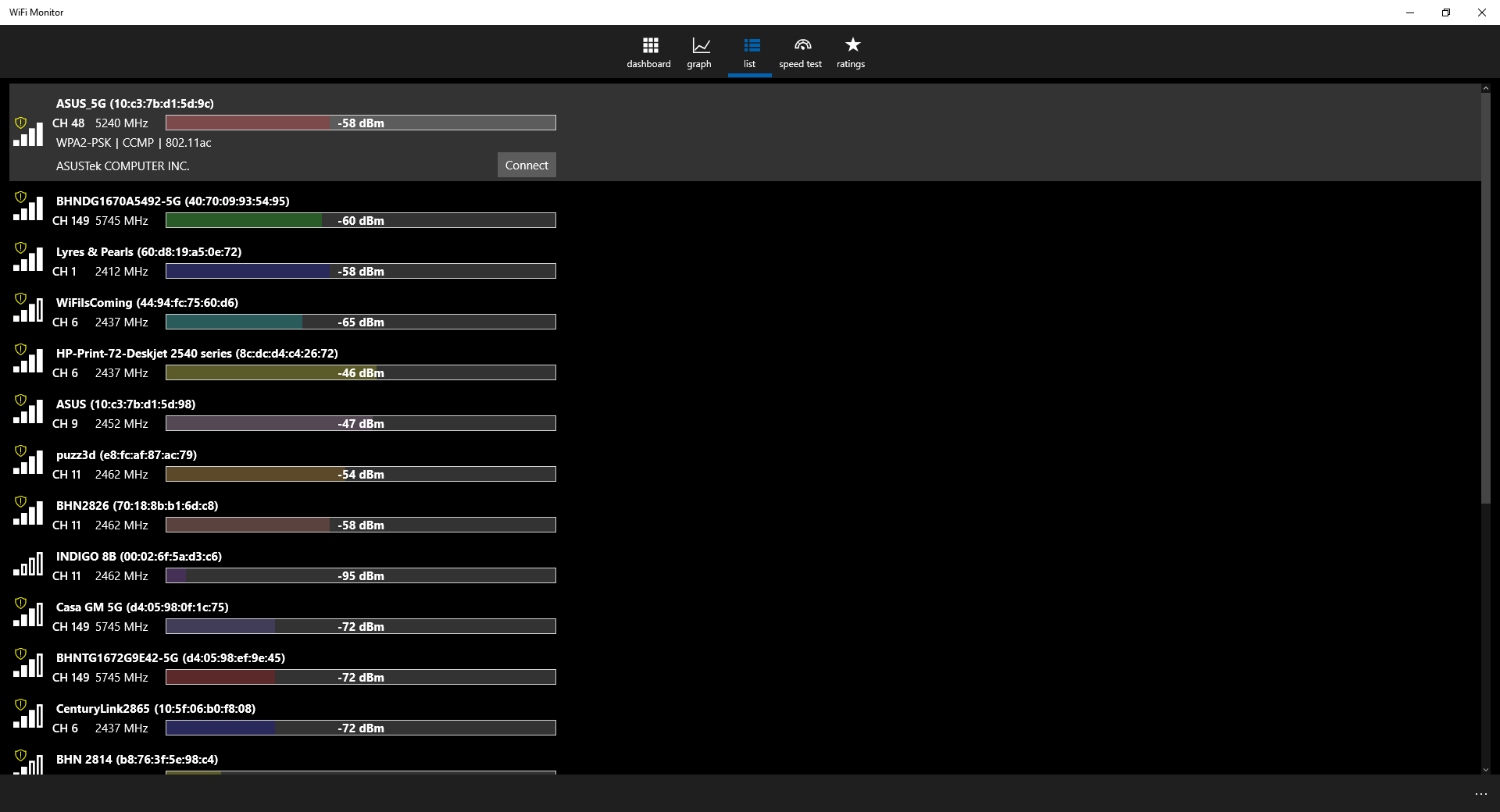
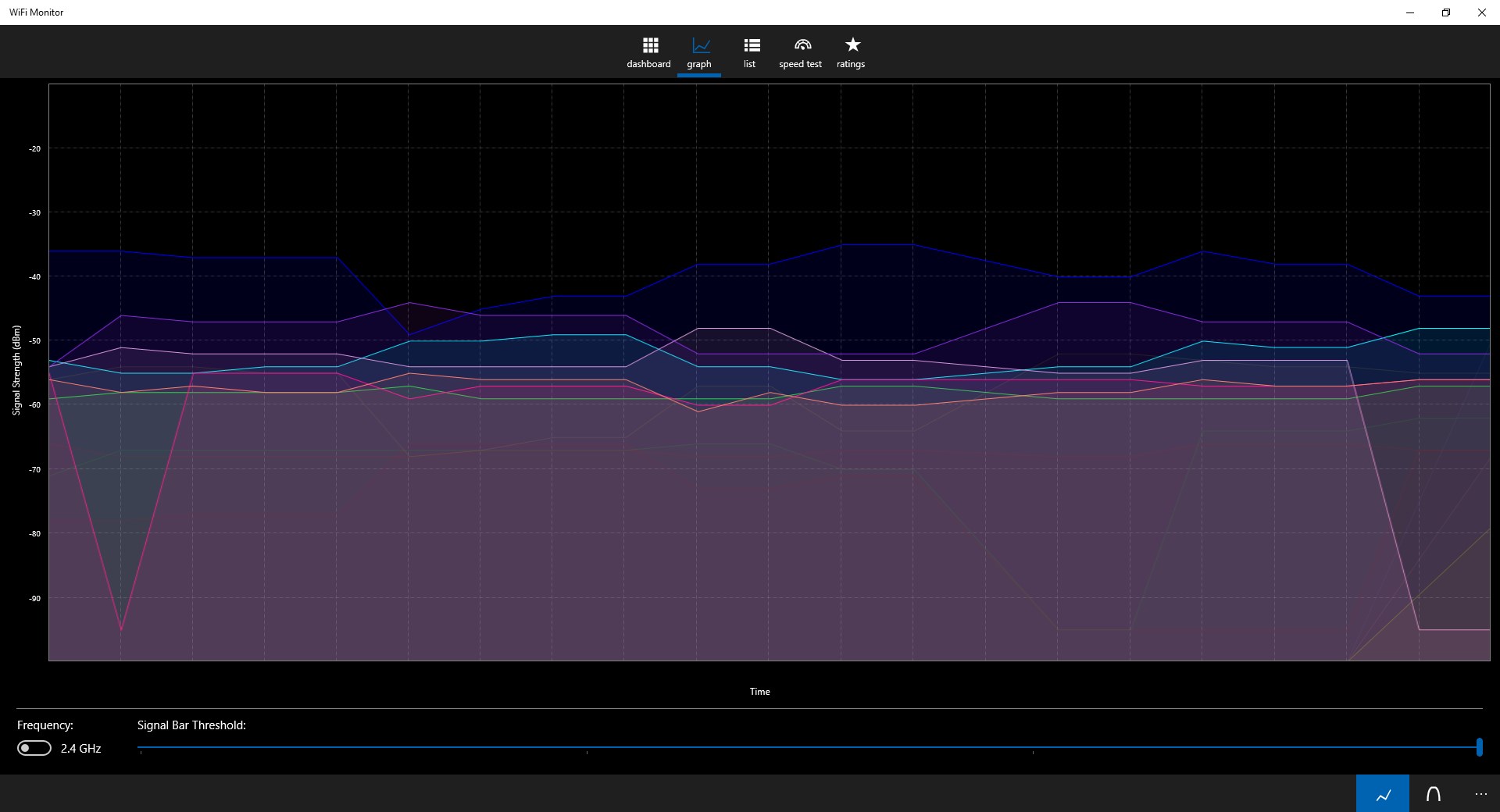
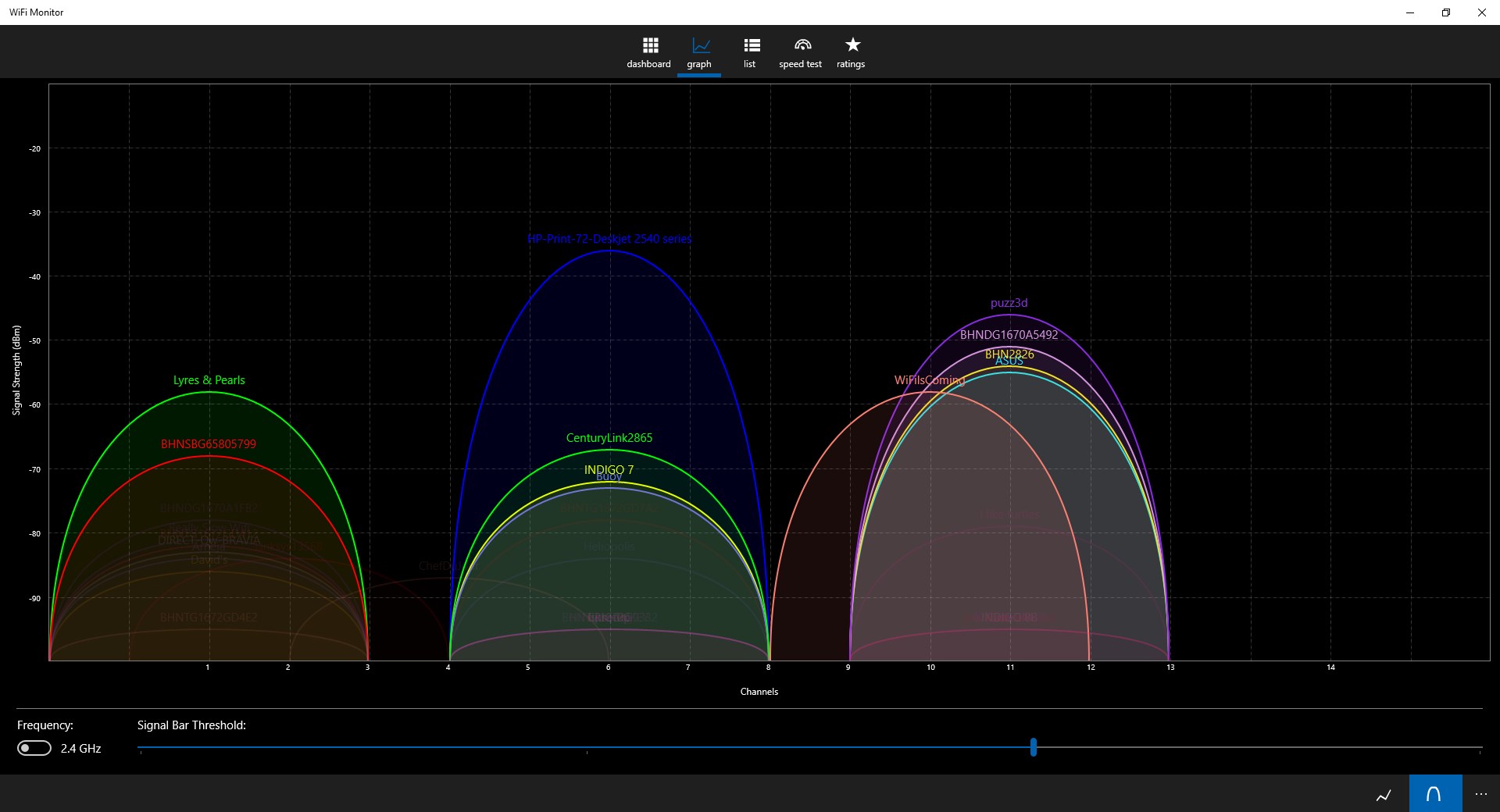
- Channel Congestion Analysis: View nearby hotspots and identify which channels are carrying the heaviest traffic load. By identifying these crowded frequencies, you can switch your router to a quieter channel to avoid signal noise.
- Network Auditing: Keep track of active networks in your immediate vicinity to understand your overall signal environment.
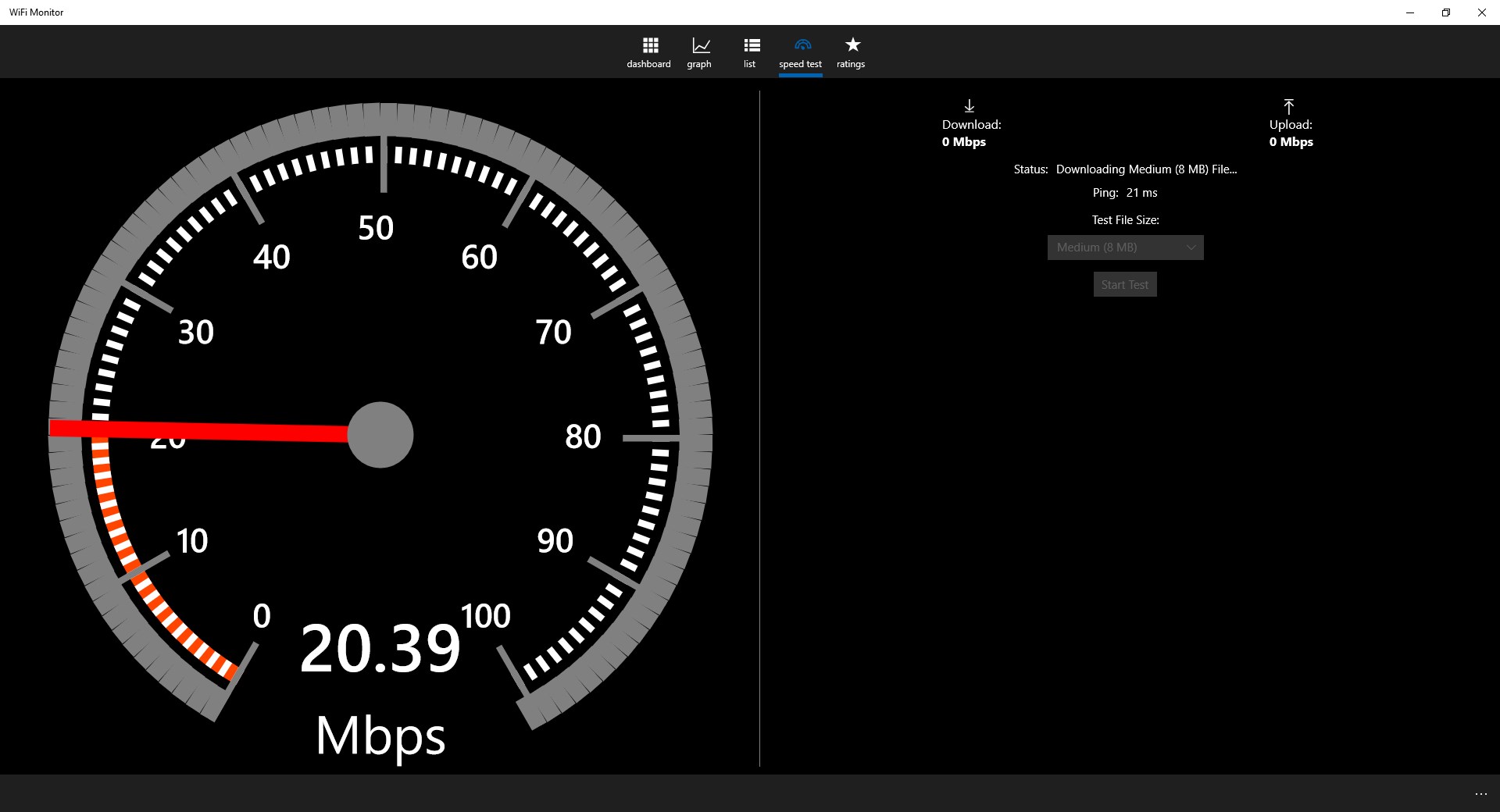
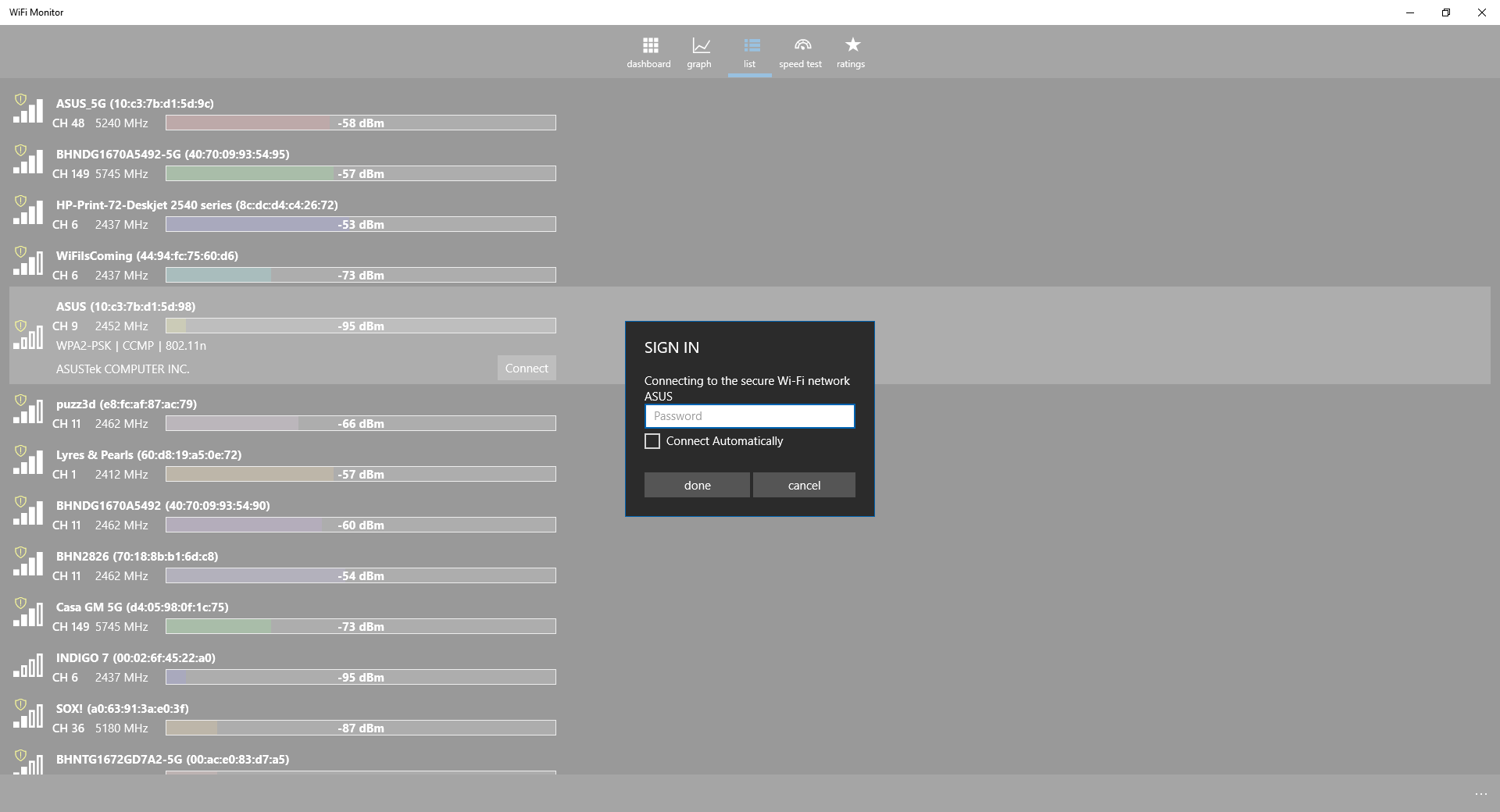
- Premium Upgrades: A full version upgrade is available within the app, unlocking advanced features such as integrated upload and download speed testing, manufacturer/vendor details for detected hardware, ad-free operation, and the ability to connect to networks directly from the interface.
Who Needs This Network Utility?
This utility is ideal for home office users, remote workers, and tech enthusiasts who experience intermittent connectivity issues or unexplained slowdowns. Instead of guessing why your wireless performance is lagging, the WiFi Monitor wireless network analyzer gives you the visual data needed to configure your hardware for peak efficiency.
Get Started
If you are ready to troubleshoot your wireless environment and find the cleanest channel for your setup, you can learn more and acquire the application by visiting the official Microsoft Store page for WiFi Monitor.