

Collage Maker - Instantane
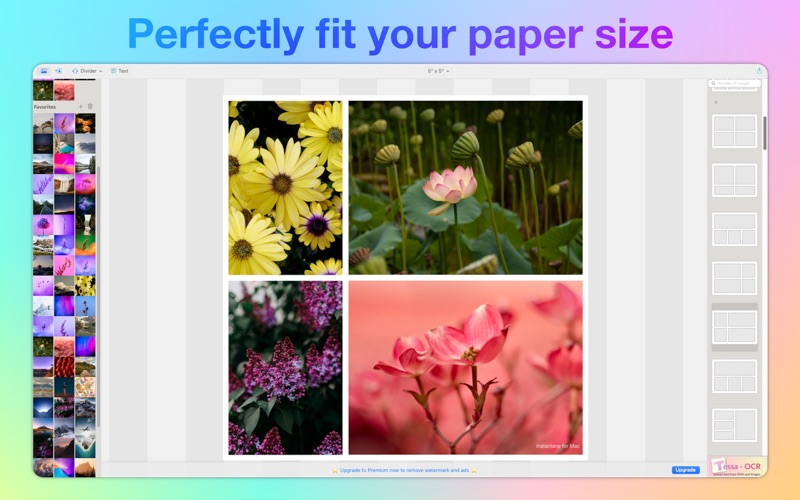
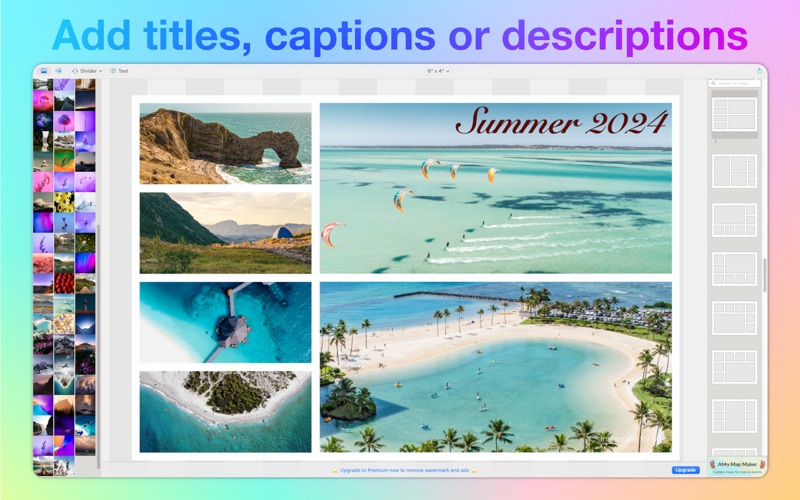
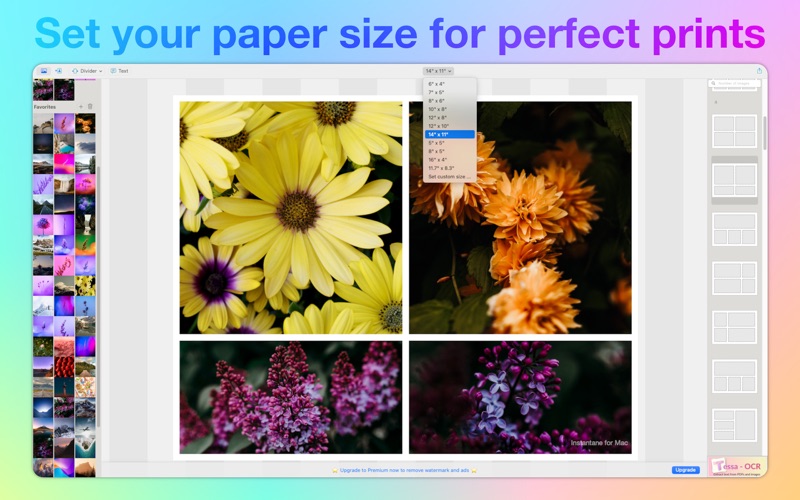
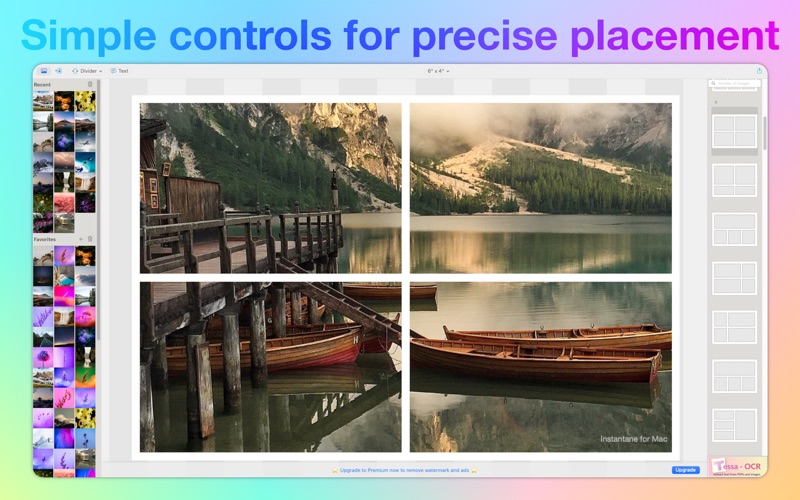
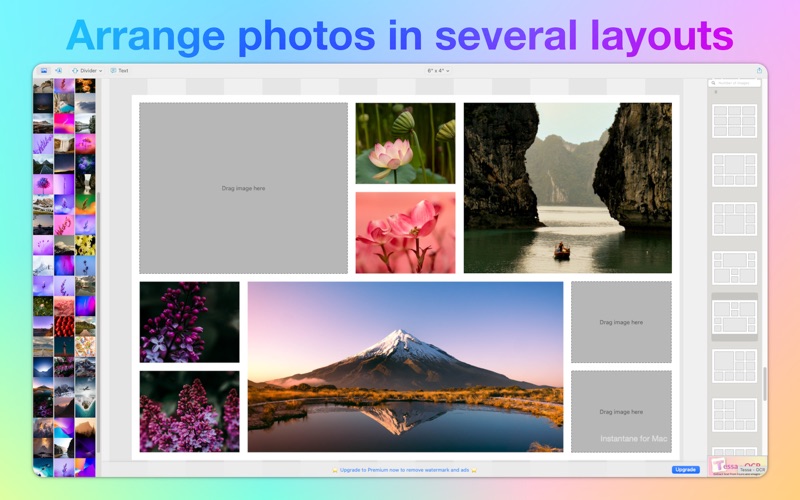
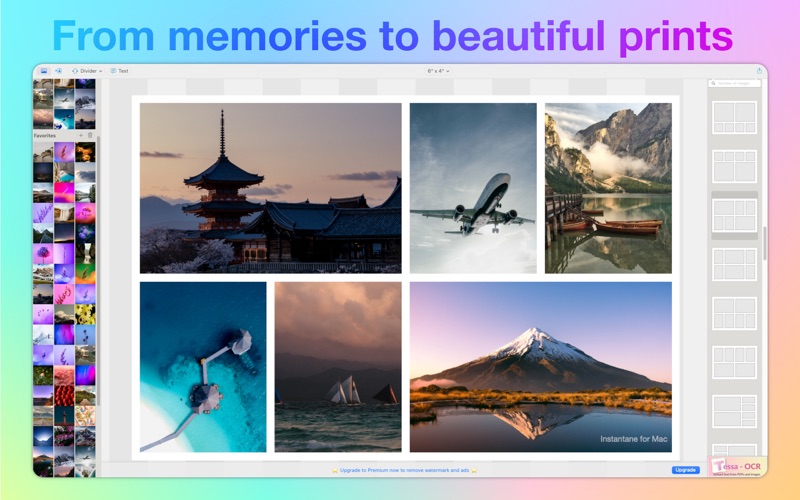
Discover how Collage Maker - Instantane simplifies desktop photo layouts. Read our full review of this dedicated Mac print collage design application.
The Problem with Modern Photo Layouts
Have you ever tried to print a digital photo collage at home, only to find that your beautiful square layouts leave awkward white borders on standard rectangular photo paper? Most modern design tools are built exclusively for social media feeds, leaving physical print enthusiasts frustrated. The Collage Maker - Instantane print layout tool solves this exact problem by shifting the focus from digital sharing to high-quality physical printing directly from your Mac.
How Collage Maker - Instantane Simplifies Physical Printing
Developed by Abdulqadir Rashik, this dedicated Mac application is designed to handle the complex math of print resolutions and paper aspect ratios automatically. Instead of forcing you to crop your memories into awkward shapes, the Collage Maker - Instantane print layout tool lets you select standard physical paper sizes or define custom dimensions. This ensures that when your file is sent to your home printer or a local photo lab, it outputs at a crisp, sharp resolution without unexpected stretching or cropping.
Key Features for Desktop Users
- Print-Ready Templates: Choose from a variety of layouts tailored specifically for standard paper dimensions rather than social media squares.
- Flexible Image Limits: Assemble up to nine images in a single layout for free, with options to upgrade to twelve-image templates.
- Intuitive Workspace: Drag and drop your photos directly from Finder or the macOS Photos app, then pan, zoom, and rotate each picture to achieve the perfect composition.
- Local Photo Library Integration: Set up a custom folder shortcut within the app to quickly access your favorite image directories without digging through system folders.
Who Is This Application For?
If you prefer physical scrapbooks, framed wall art, or gifting printed photo albums over simply posting galleries online, this software is tailored for your workflow. It strips away the unnecessary filters of social media editors and focuses entirely on spatial layout, resolution management, and paper alignment. Free users can test the core features with a minor watermark and ad support, which can be permanently removed via a straightforward one-time in-app purchase once you confirm the tool fits your printing workflow.
Get Started with Your Print Projects
By focusing on print-resolution accuracy rather than online trends, this utility ensures your physical keepsakes look exactly as intended. To explore the templates and start organizing your physical photo albums, check out the official Mac App Store page to try the application on your macOS device.